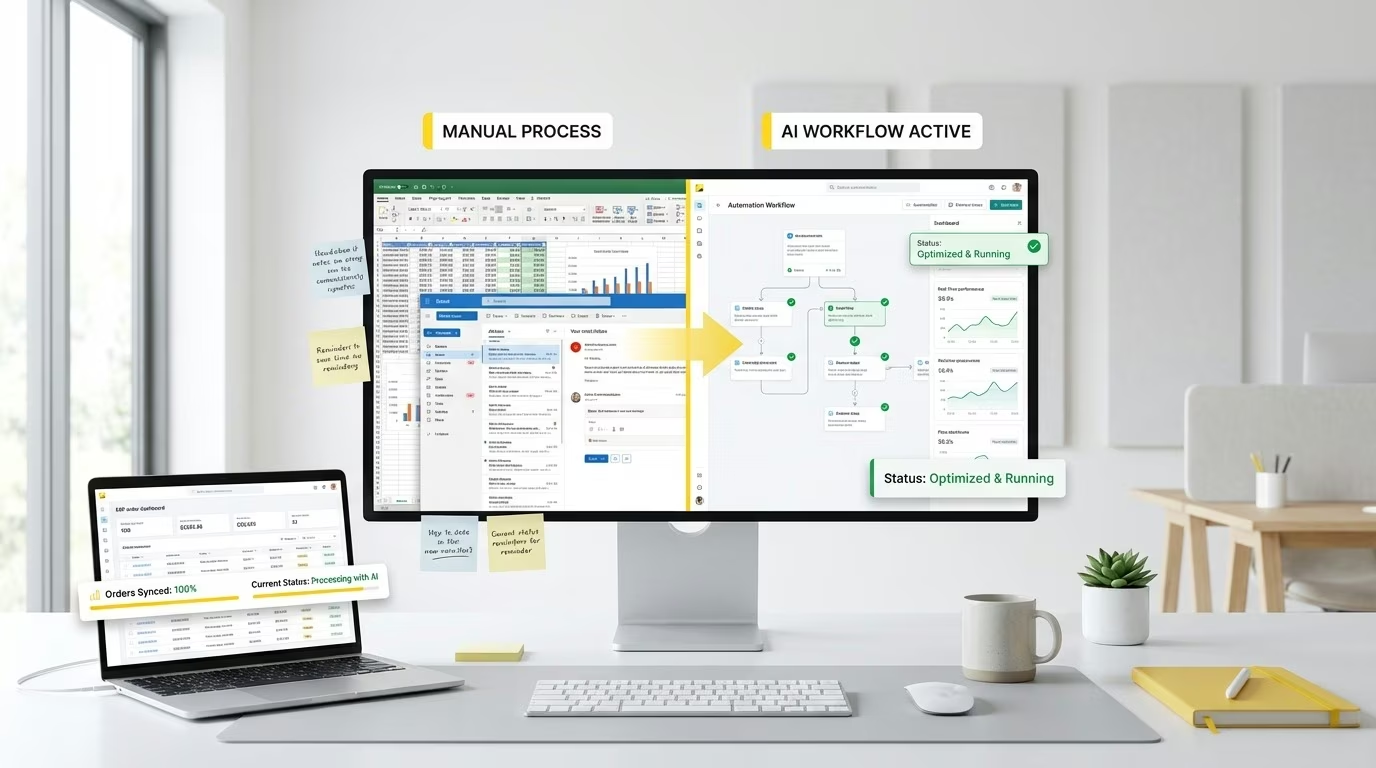
AI Workflow Automation: Add LLM Steps for Unstructured Data
December 24, 2025
TL;DR (Key Takeaways)
AI Workflow Automation augments deterministic workflows with LLM steps to classify, extract, summarize, and normalize unstructured inputs (documents, emails, chats). Outputs are validated against schemas, routed by confidence thresholds, and logged for auditability—so downstream actions remain deterministic and reliable.
What is AI Workflow Automation?
Keep your traditional triggers/actions, but insert AI steps where human interpretation was needed: understanding intent, extracting fields, summarizing threads, or normalizing messy text into strict JSON the rest of the flow can trust.
Where AI fits in a flow
- Pre-process (OCR, language detection)
- Infer (classify/extract/summarize)
- Validate (JSON Schema, enums, regex, business rules)
- Decide (confidence thresholds; human-in-the-loop if uncertain)
- Proceed (DB/API updates, notifications, downstream workflows)
High-value use cases
- Finance: Extract invoice/PO data → ERP; detect duplicates.
- Sales: Parse inbound emails → intent → create/update CRM objects.
- Support: Auto-triage tickets, draft replies for agent approval.
- Compliance: Detect and redact PII before storage/sharing.
Guardrails that matter
- Strict schemas (types, enums, ranges, required fields).
- Self-check prompts (“return valid JSON; if unsure, set confidence low”).
- Fallbacks to forms/manual review when confidence < threshold.
- Cost control with caching, batching, small-model defaults and escalation.
- Observability: log prompts/outputs, token usage, acceptance rate, correction rate.
Implementation blueprint
- Define target schema + examples (positive/negative).
- Add retrieval context (if needed) with hybrid search for better grounding.
- Validate programmatically; retry with guidance on failures.
- Start with human-in-the-loop; raise automation as quality improves.
- Track precision/recall, latency, and cost per item.
AI Workflow vs AI Agent
AI workflow steps are bounded inside a deterministic pipeline. An AI Agent chooses the next step autonomously using planning and memory.
FAQs
Which model size should I use?
Start small; escalate only for ambiguous inputs or edge cases.
Can outputs be audited?
Yes—store prompt, output, validation results, and reviewer actions.
How do I protect data?
Redaction, regional processing, zero-retention vendors, and a DPA.
What if the model is wrong?
Use confidence scores, human review, and rule-based post-processing to correct.
AI Workflow Automation with eZintegrations™
If your workflows touch unstructured data (emails, PDFs, chats, images), eZintegrations™ lets you insert LLM inference steps to classify, extract, summarize, and normalize into strict JSON—then validate with schemas, route by confidence, and keep humans-in-the-loop where needed. With built-in observability and cost controls (caching, batching, model routing), you get AI power without losing determinism or auditability.
Next Steps:
- Book a Demo: bizdata360.com/book-demo
- Watch AI Extraction in Action: bizdata360.com/demo
- Sign Up / Get Access: bizdata360.com/signup